Workflow automation
Turn client activity into consistent next steps.
Automate follow-ups, assignments, reminders, notifications, record updates, emails, and handoffs while preserving the full client history.
Automation in context
Build workflows around the way your team already works.
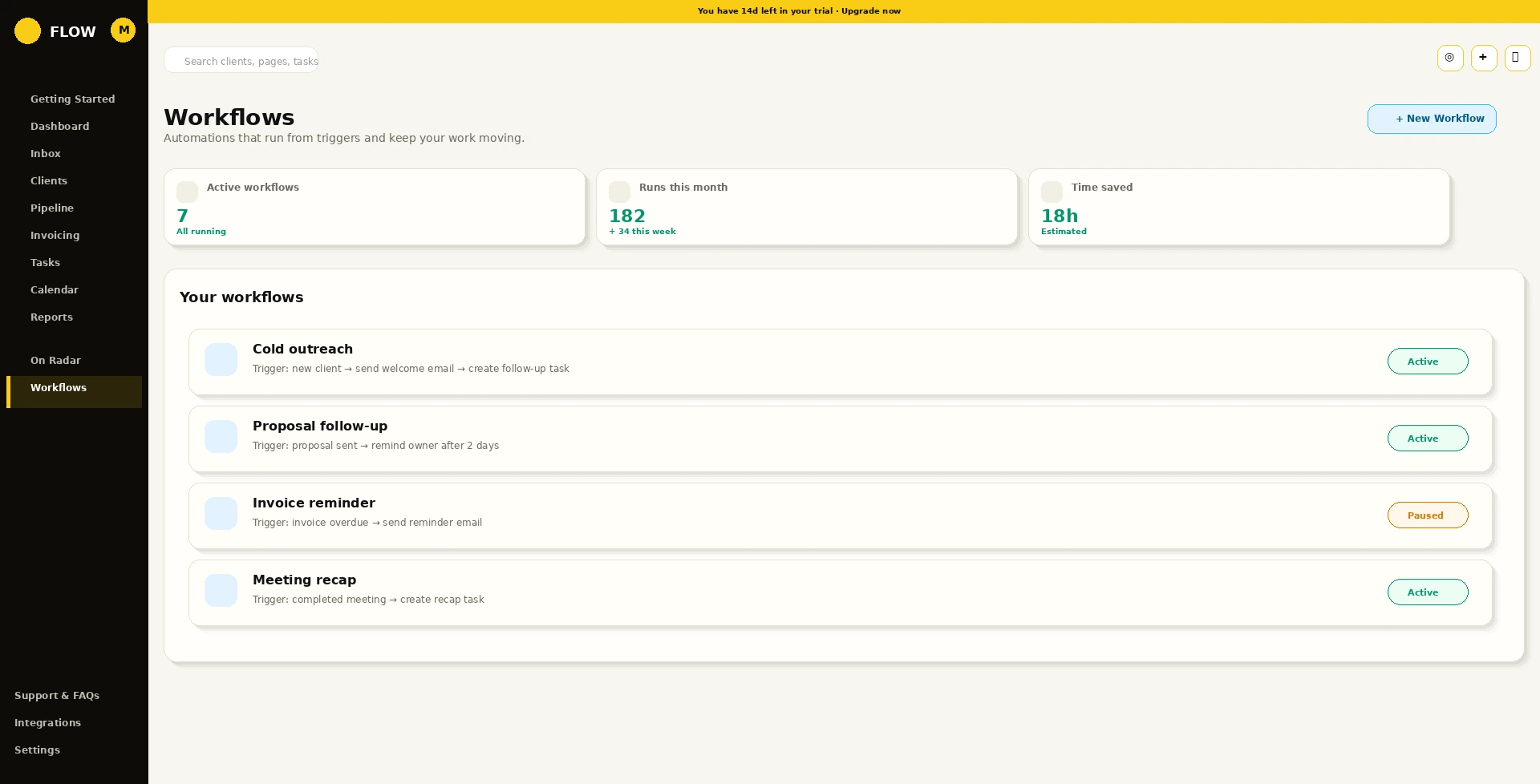
Choose a trigger, define the action, assign ownership, and keep the result connected to the client record instead of creating another isolated automation.
Every client update becomes the next clear action.
Flow turns notes, replies, meetings, and status changes into organized next steps so the right person knows what to do next.
Update saved
Timeline refreshed
Next action assigned
Trigger to result
Automation remains understandable from beginning to end.
Flow keeps the trigger, action, owner, timing, and connected record visible so teams can trust what ran and understand why.
TriggerA client event occursA stage changes, a due date arrives, a reply is received, or activity becomes overdue.
ActionFlow performs the workCreate tasks, send emails, add notes, notify owners, or update records.
ResultThe team stays alignedThe next step appears in the workspace with the client context preserved.
Automate the repeated work without disconnecting it from the client.
Start with a 14-day Flow Pro trial, connect the work your team already manages, and keep every next step in one place.